How to buyCustomer offersContact support
EmpireX logo
Empire X
Empire X logo
Empire X
⌘K
HomeAccountsServicesPromotionsBlog
EmpireX logo
EmpireX

Reputable platform for selling premium accounts and online services.

Email:contact@empirex.org
Hotline : +84 839.8888.23 (Hotline : )
WhatsApp:+84 839.8888.23 (WhatsApp)
DMCA.com Protection Status

Products

  • Accounts
  • Services
  • Tools
  • Free Accounts
  • Track Order

Information

  • About Us
  • How to buy
  • Affiliate Program
  • Terms of Service
  • Privacy Policy
  • Copyright & DMCA
  • Official channels

Payment Methods

International:
BitcoinEthereumUSDT
Tiếng ViệtEnglishالعربيةFrançaisไทยРусскийBahasa IndonesiaPortuguês简体中文

© 2020-2026 EmpireX. All rights reserved.

Artificial Intelligence•5 min read

Why Does Antigravity Run Out of Quota So Fast? 7 Causes and Checks

Key Takeaways

Why Antigravity quotas run out quickly: seven causes, five-hour and weekly limits, Usage diagnostics, and practical tips to conserve agent capacity.

EX
Admin EmpireX
November 18, 2026
Why Does Antigravity Run Out of Quota So Fast? 7 Causes and Checks
Topics:#Antigravity#AI Usage Limits#AI Agent#AI Coding#Google AI Pro
EX
Reviewed by EmpireX Editorial Team

Written and periodically verified by EmpireX specialists for practical accuracy.

About UsPolicies & ContactAccounts

Table of Contents

Related Products

Antigravity Pro - Official Personal Upgrade product image at EmpireX
-72%

Antigravity Pro - Official Personal Upgrade

$5.50$19.50
Antigravity Ultra ( 20TB 5x ) - Official Personal Upgrade product image at EmpireX

Antigravity Ultra ( 20TB 5x ) - Official Personal Upgrade

Request a quote
Antigravity Ultra ( 30TB 20x )  - Official Personal Upgrade product image at EmpireX
-83%

Antigravity Ultra ( 30TB 20x ) - Official Personal Upgrade

$20.00$115.50

Related Posts

Google AI Pro vs Ultra 20TB 5x: Quotas, Storage and Who Should Upgrade
Artificial Intelligence

Google AI Pro vs Ultra 20TB 5x: Quotas, Storage and Who Should Upgrade

2 min read

Compare Google AI Pro and Ultra 20TB 5x by Gemini and Antigravity limits, Flow credits, storage and real upgrade needs.

EX
Admin EmpireX
Read Now
Can ChatGPT Be Used on Multiple Devices? OpenAI Policy Explained
Artificial Intelligence

Can ChatGPT Be Used on Multiple Devices? OpenAI Policy Explained

8 min read

Can one ChatGPT account work across devices? Learn OpenAI's account-sharing policy, security alerts, session management and safe troubleshooting.

EX
Admin EmpireX
Read Now
GPT-6, Claude 5.5 and Gemini 4: Research, Writing and Coding Compared
Artificial Intelligence

GPT-6, Claude 5.5 and Gemini 4: Research, Writing and Coding Compared

2 min read

Compare GPT-6, Claude and Gemini 4 for research, writing and coding with current model versions and reproducible evaluation criteria.

EX
Admin EmpireX
Read Now
ChatGPT Suspicious Activity Alert: 7 Checks and Safe Fixes
Artificial Intelligence

ChatGPT Suspicious Activity Alert: 7 Checks and Safe Fixes

4 min read

Seeing a ChatGPT Suspicious Activity alert? Check seven warning signs, review active sessions, protect your login with MFA and recover access safely.

EX
Admin EmpireX
Read Now
EmpireX logo
EmpireX

Reputable platform for selling premium accounts and online services.

Email:contact@empirex.org
Hotline : +84 839.8888.23 (Hotline : )
WhatsApp:+84 839.8888.23 (WhatsApp)
DMCA.com Protection Status

Products

  • Accounts
  • Services
  • Tools
  • Free Accounts
  • Track Order

Information

  • About Us
  • How to buy
  • Affiliate Program
  • Terms of Service
  • Privacy Policy
  • Copyright & DMCA
  • Official channels

Payment Methods

International:
BitcoinEthereumUSDT
Tiếng ViệtEnglishالعربيةFrançaisไทยРусскийBahasa IndonesiaPortuguês简体中文

© 2020-2026 EmpireX. All rights reserved.

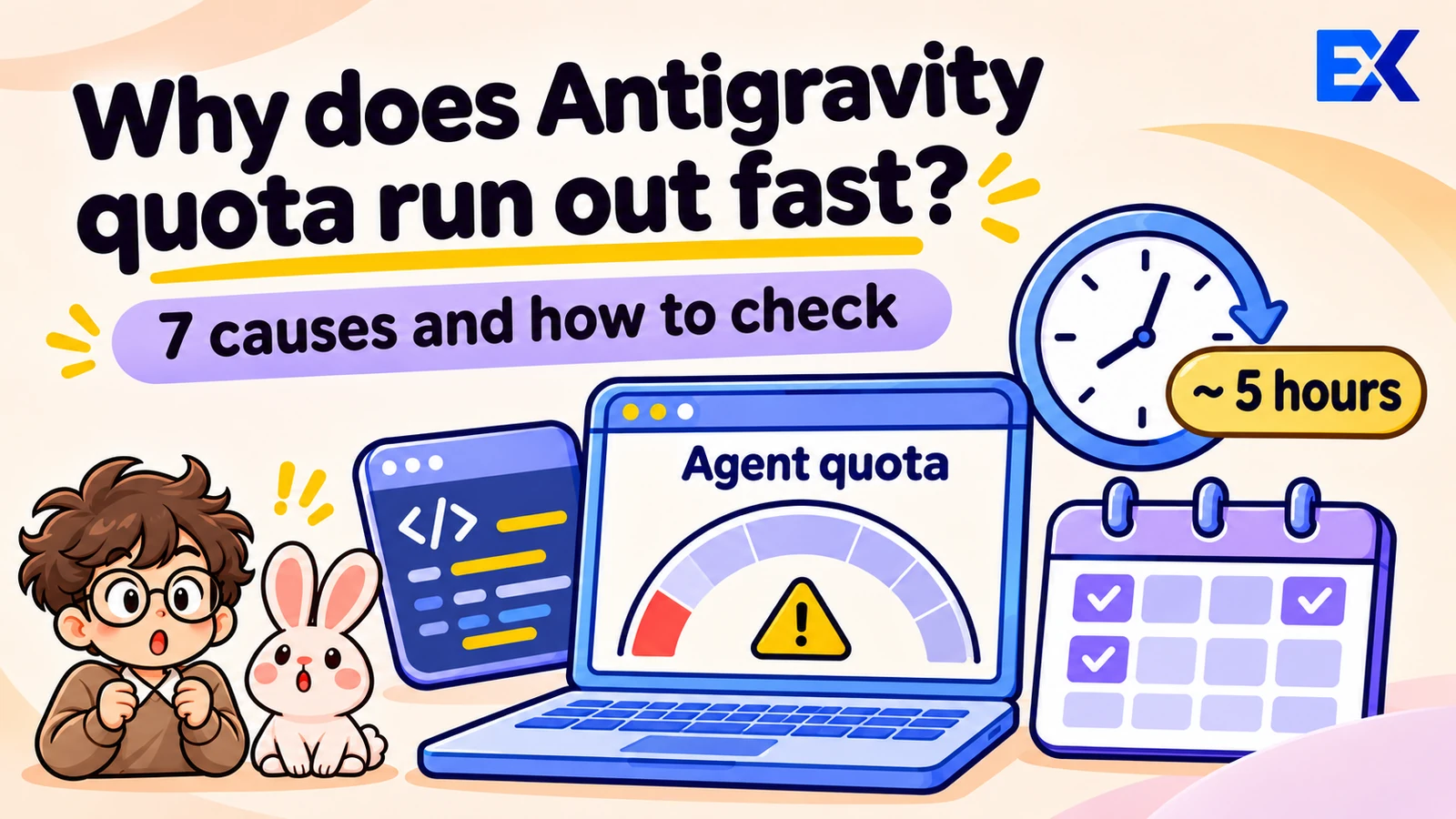
Why does Antigravity run out of quota so quickly?

Fast quota exhaustion usually reflects agent workload, repeated retries, model choice, or weekly limits—not necessarily a broken paid subscription. Google explains that agent allowance depends on the amount of work performed, so a complex repository-wide task can consume far more capacity than a short question.

Google AI Pro and Ultra have baseline quota refreshes around every five hours, subject to weekly caps. Accounts without Pro/Ultra may follow a different schedule. Check Usage and the exact limit message before upgrading.

1. Understand the quota types

Limit or settingWhat it meansWhat to check
Model-group quotaSome models share an allowanceCurrent model group in Usage
Five-hour baseline refreshPro/Ultra allowance refreshes during the weekNext refresh time
Weekly capLonger-term ceilingRemaining weekly quota and reset
AI Credit OveragesOptional paid-credit use for eligible accountsWhether enabled and its charges
Account entitlementAccess depends on signed-in account and planGoogle subscription status

Google does not guarantee a fixed prompt count for all workloads. Reading many files, running tools, testing or debugging repeatedly can increase usage.

2. Seven reasons you hit your limit

1. A multi-step agent task does more work than expected

Broad instructions such as “inspect the entire repo, fix everything, run tests and retry until successful” can trigger many operations. Fix: ask for a plan first, constrain the scope and tackle one module at a time.

2. A heavy reasoning model is used for a simple task

Use a model suited to the task and your current entitlements. Switching models is not a guaranteed fix because model groups and limits can differ.

3. Excessive context and unrelated files

Vague prompts may force agents to inspect far more of your project than needed. Specify a directory, function, file and expected output.

4. Repeated retries and debugging loops

Repeatedly asking an agent to try the same failing task may spend more quota without solving its root cause. Stop, inspect the actual error and correct dependencies or permissions first.

5. You reached the weekly cap despite a five-hour refresh

A five-hour reset does not erase a weekly cap. Inspect Five Hour Limit Remaining and Weekly Limit Remaining where shown.

6. Wrong signed-in Google account or expired entitlement

Check which Google account Antigravity is using and whether your subscription is active. Never provide passwords, recovery codes or session tokens to support representatives.

7. Confusion around Family, private and shared offers

Reseller labels like “private,” “shared” or “Family” do not independently prove which Google-side benefits share limits. Verify the specific product terms and account entitlement before attributing usage to another person.

Seven reasons Antigravity quota runs out fast

3. Diagnose Antigravity quota step by step

  1. Confirm the correct Google account and active plan.
  2. Open Antigravity Usage and inspect the current model, remaining allowance and reset messages; where supported, use CLI /usage or /quota.
  3. Distinguish the five-hour quota from the weekly limit and any shared model-group limits.
  4. Record the tasks that preceded the warning: repo analysis, refactor, test loops or browser automation.
  5. Run a smaller, clearly scoped task to isolate workload size.
  6. If considering AI Credit Overages, check the setting and costs first.
  7. If usage still seems anomalous, contact support with redacted screenshots, model names and timestamps—not credentials.

The diagram below is an illustrative workflow, not a screenshot of the actual interface.

How to check Antigravity Usage and quota limits

4. How to conserve quota

  • Narrow work to relevant files and an explicit acceptance criterion.
  • Ask for a short analysis and plan before executing broad changes.
  • Break large tasks into independently testable steps.
  • Fix environment failures instead of repeatedly restarting the agent.
  • Set a stop condition when the same error recurs.
  • Keep a seven-day log of model choice, task type, limits and interrupted working time.

Example: “Inspect only src/auth/login.ts, explain the likely cause of the sign-in failure and propose up to three edits. Do not change unrelated files yet.”

5. When should you upgrade from Pro to Ultra?

Upgrade only after verifying your account, usage type and persistent capacity bottleneck. Ultra offers greater limits, not unlimited agent work; it does not fix wrong-account issues or a failing environment.

For a plan comparison see Antigravity Pro versus Ultra. Related guide: Private vs shared Antigravity quota.

Relevant EmpireX listings: Antigravity Pro, Ultra 20TB 5x and Ultra 30TB 20x. Check current product terms; a “5x/20x” label is not a fixed prompt guarantee.

6. Frequently asked questions

Why am I still blocked after five hours?

You may have reached the weekly cap or a model-group limit. Check the actual reset time in Usage.

Can one prompt consume significant quota?

Yes. Agent usage reflects work performed rather than just messages sent.

Does switching models restore quota?

Not necessarily. Some models share allowance groups and others have different limits.

Can Pro or Ultra continue through AI credits?

Eligible accounts can use AI Credit Overages subject to settings and charges. Review these first.

Does Family sharing explain fast quota loss?

Not without evidence. Verify the actual subscription, product terms and applicable entitlement.

Bottom line: Identify the exact limit, simplify agent workloads, and only then consider a higher subscription.

Official sources: Google Antigravity Plans · Choose a model · CLI Usage.