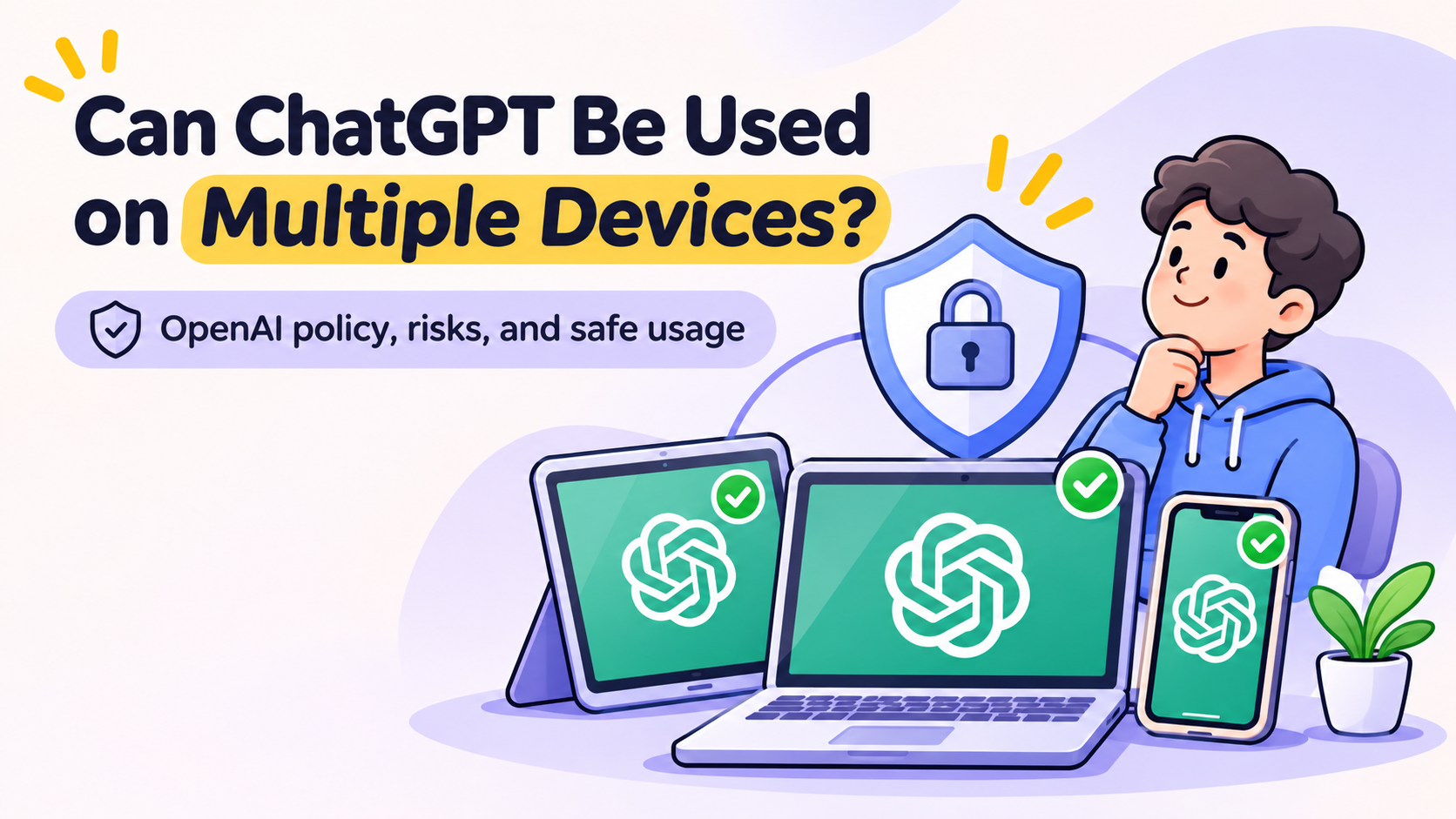
Yes. OpenAI allows you to sign in to your own ChatGPT account from multiple personal devices. Using a phone, laptop and desktop does not automatically trigger an account ban. The key distinction is one person on several devices versus multiple people sharing one login. The OpenAI Account Sharing Policy allows multi-device use while keeping usage, authentication and account-security rules in force.
Quick answer: You may use ChatGPT on a work laptop, your phone and a home computer as the same individual. Do not distribute the password or session to other users, and check unfamiliar sessions. The cited OpenAI account-sharing guidance does not specify a universal maximum of two, three or five personal devices.
1. Can ChatGPT be signed in on multiple devices at the same time?
Yes, when they are your own sessions. You can sign in from supported mobile apps and desktop browsers with the same account. On a new device, use the same login identity and original authentication method associated with the subscription—such as the relevant Google, Apple, Microsoft or other sign-in route.
For example, one subscriber might begin a research task on their laptop, check the conversation on their phone and continue on a desktop at home. That is a single user's multi-device workflow, not three separate individuals consuming one shared subscription.
Illustration of a single owner using ChatGPT across a laptop, desktop and phone
Device access is not a promise of unlimited model messages, tools or features. Plan-specific usage controls still apply. You generally need not sign out of every personal device simply to sign in to another.
2. Multiple personal devices versus sharing one ChatGPT account
Scenario
What it means
Guidance
One person uses ChatGPT on a phone and laptop
Personal multi-device access
Allowed under OpenAI's policy
One person uses a home and work computer
Same owner, different devices
Allowed; secure each device
Two people use the same Plus credentials
Account sharing
Not permitted for individual accounts
A team distributes one shared login
Multiple users on one account
Use separate accounts or an appropriate managed workspace
One device switches between distinct accounts
Multiple accounts on one device
Not the same as sharing one account
OpenAI says individual accounts are intended for the person who created them. Sharing credentials increases the risk of exposed chats or payment information, unauthorized activity, and policy violations. See the official account-sharing policy.
Illustrative comparison of personal multi-device access versus shared ChatGPT credentials
For a team, consider separately assigned user accounts or a managed solution such as ChatGPT Business Standard, not a shared personal password.
3. Can multiple logins cause warnings or a ban?
The cited sharing policy does not state that the second or third device automatically leads to a ban. However, OpenAI may ask you to verify a login or surface a Suspicious Activity Alert if it detects activity that deserves review, including:
Sign-ins from unexpected devices or locations.
More concurrent sessions than usual or a sudden change in usage patterns.
Login verification requests sent through approved authentication channels.
Possible unauthorized access to your account.
According to OpenAI's security-alert guidance, alerts can be precautionary and do not necessarily mean wrongdoing or a permanent ban. Traveling, switching Wi-Fi or using a corporate network is not, on its own, proof of account sharing. If a VPN, proxy or extension is interfering with authentication, disable it as part of legitimate troubleshooting—not as a way around safety checks.
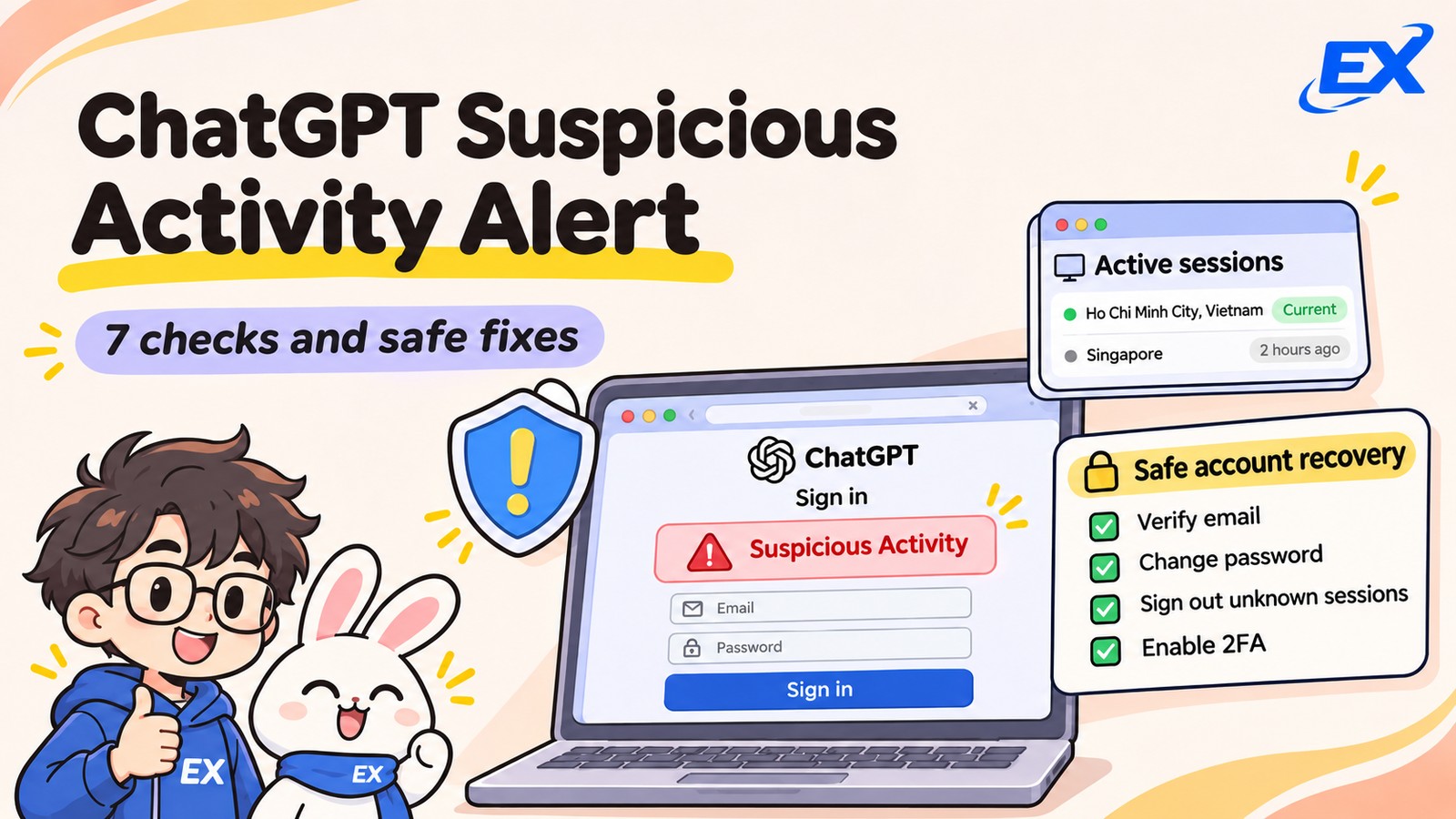
Illustration of unusual ChatGPT sign-ins, verification prompts and security alerts
OpenAI provides Active sessions for reviewing recognized first-party account sessions.
Sign in to the official ChatGPT service.
Open Settings → Security (or Security and login) → Active sessions; labels can vary by interface or account type.
Review available device/browser, app, approximate location, sign-in date and current-session indicators.
Choose Log out for a session you do not recognize; a trusted device may instead show Log out and remove.
If you suspect an account compromise, use Log out of all sessions, change your password if applicable and enable MFA.
Illustrative walkthrough of Settings, Security and Active sessions in ChatGPT
Session records can be approximate or incomplete. The official Active sessions guide explains that some third-party sessions and Codex CLI sessions are not shown, and certain SSO-managed accounts do not have this feature. Logging out all sessions can take up to 30 minutes.
A practical device-security checklist
Sign in only through official websites and apps.
Use a unique password if you use password login, plus MFA or a supported passkey.
Never share OTPs, sign-in links, cookies or session tokens.
Sign out on public, sold or reassigned devices.
Check Security history and Active sessions when those controls are available.
5. ChatGPT Plus or Pro missing on a new device: what to check
First, confirm that you are using the account that actually purchased the subscription. A different email or login method may sign you into a different, free account. On mobile, sign in to the ChatGPT account associated with the original purchase rather than buying a second subscription immediately.
Next, inspect the account's subscription status and available features. For login trouble, try official verification, a private browsing window or the original sign-in provider. For suspicious-activity warnings, troubleshoot temporarily from one trusted device and network.
If the problem persists, contact OpenAI Support with the error, account email, time and relevant purchase details. Do not disclose your password, OTP, API secrets or full payment-card information.
Illustration of checking the correct ChatGPT subscription after switching devices
6. Frequently asked questions
What is the maximum number of devices per ChatGPT account?
The referenced account-sharing policy permits multiple devices but does not provide a universal fixed device count. Avoid assuming a guaranteed “three devices,” “five devices,” or “unlimited in every circumstance.”
Can I use ChatGPT on two phones?
Personal use on two phones does not itself trigger a ban. Security checks may still be requested for unusual account activity.
Can ChatGPT stay logged in on my phone and laptop simultaneously?
Yes for the same individual. Subscription limits and standard security measures still apply.
Can family members share one ChatGPT Plus account?
Individual OpenAI accounts are intended for the account holder. Other family members should use their own accounts, even when everyone uses the same home Wi-Fi.
Does getting a new phone remove my Plus or Pro subscription?
No, changing phones does not automatically cancel your subscription. Use the subscribed account and verify the payment and entitlement details if access appears missing.
Does enabling MFA immediately log out existing sessions?
No. OpenAI cautions that turning on MFA does not automatically end existing sessions. If access may have been compromised, change the password where relevant and revoke unknown or all sessions.
What if I actually receive a suspension notice?
Read the official notification, follow any required verification and use OpenAI's support or appeal process. Do not share your credentials with third parties claiming to reverse a ban.
Conclusion
Using ChatGPT on multiple devices does not automatically get your account locked or banned. Keep your account for personal use, protect sign-in credentials, review unfamiliar sessions and follow OpenAI's terms. Individuals can consider ChatGPT Plus for their own account, while teams should use separately assigned accounts or a suitable Business workspace. No subscription exempts a user from account security and usage policies.