Complete guide to Gemini Computer Use for Mac (Nov 19, 2026): how @Computer use works in an isolated virtual window, Apple Silicon & macOS Sequoia requirements, permissions, backups, 7 agent risks, and rollout availability.
Learn how Tasks in Gemini automates multi-step workflows using tasks, schedules and skills, compare Free/Plus vs Pro/Ultra schedule limits, check regional rollout, and distinguish Tasks from Scheduled Actions.
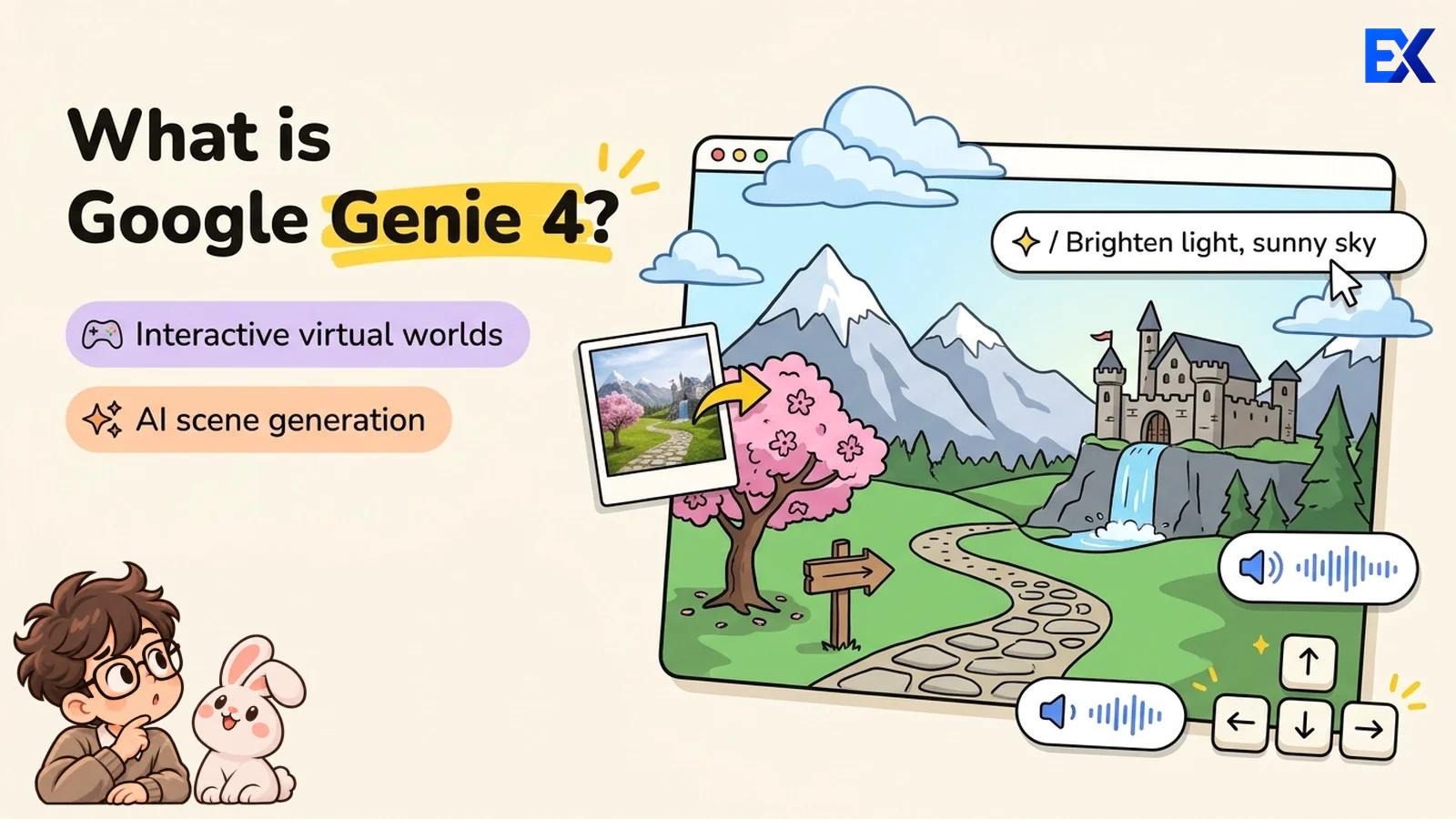
What is Google Genie 4? Explore 720p real-time interactive worlds, native audio, Genie 3 differences, Project Genie access and Gemini API availability.
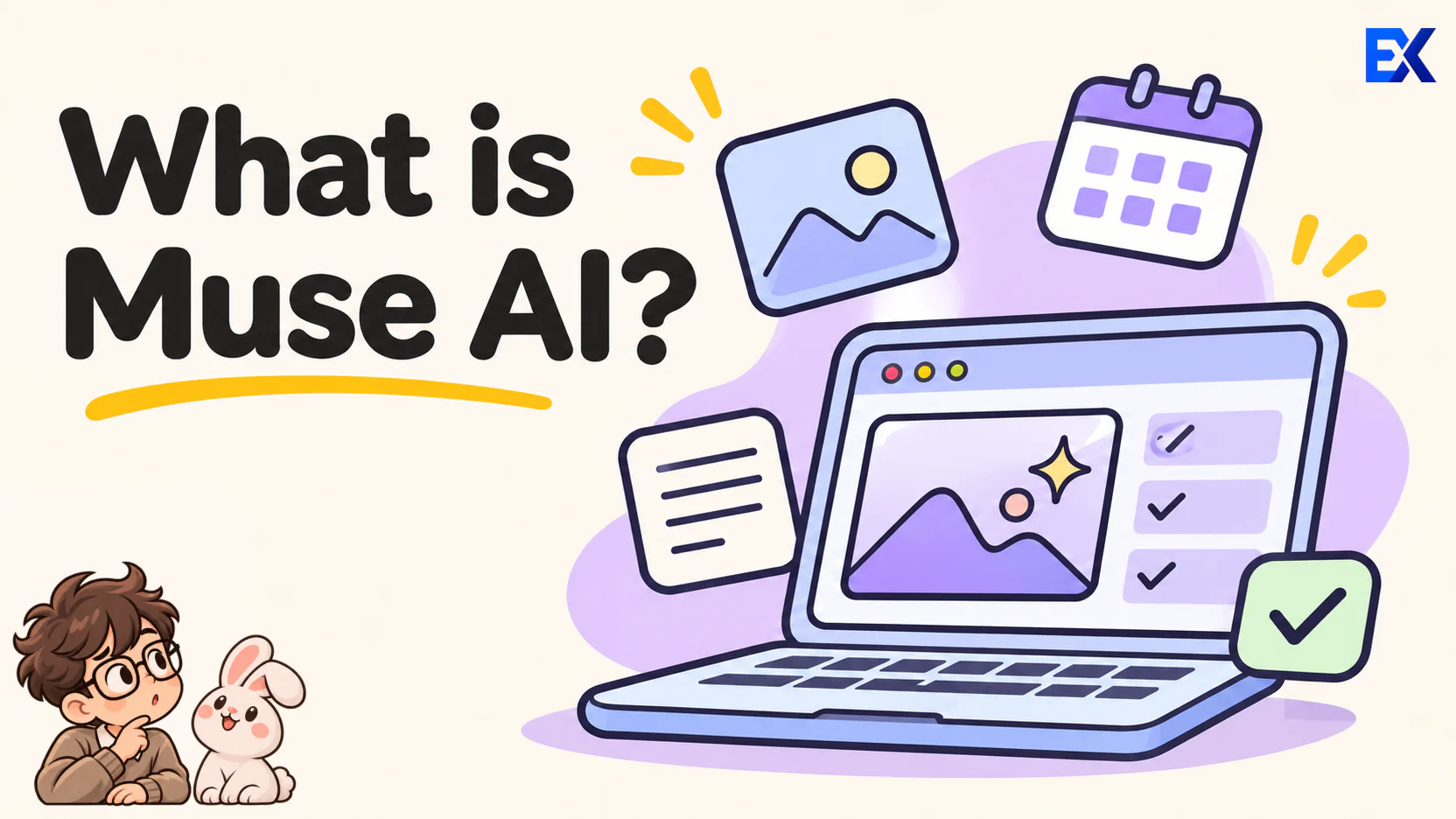
Muse AI is a personal AI agent introduced by Meta in September 2026. Rather than merely answering questions, it can work toward a goal through multiple steps within the permissions you grant. Source: Meta Newsroom, 08/09/2026
How does Muse AI work?
How does Muse AI work?
Muse interprets your goal, develops a plan, selects tools and executes steps. Muse Secure VM is an isolated cloud computer with a browser for completing tasks. You can monitor progress and intervene.
What can Muse AI do?
What can Muse AI do?
Muse supports web research, document and image creation, scheduling, reminders and supported app connections. For example, ask it to turn this week's emails into a task list without sending any messages until you approve. This is an illustrative example, not a hands-on test.
Benefits and considerations
Benefits and considerations
Background execution can reduce repetitive work, but AI can misunderstand instructions or encounter website errors. Grant only necessary permissions and review sources and outputs before sending or paying. Muse offers limited free usage and paid upgrades; check actual availability and limits in your account.
Getting started
Visit Muse, check eligibility in your region and try a low-risk task without sensitive data. Assess accuracy before delegating complex work. If considering a third-party account, check ownership, service terms and warranty conditions.
Meta AI focuses on conversational assistance and creation; Muse prioritizes pursuing goals and coordinating tools to complete tasks. Their capabilities can overlap, and modern chatbots can also have tools. Source: Meta – Muse
Criterion
Typical chatbot
Muse AI
Output
Answer or draft
Plan and tasks
Execution
Often manual follow-up
Browser and tools
Progress
Conversation-driven
Can continue in background
Control
Review answers
Review progress and action permissions
Free and paid plans
Meta confirms free usage and subscriptions for heavier workloads. As of November 27, 2026, current prices, tier names and quotas could not be verified from public official documentation. Check fees, renewal limits and cancellation terms in your account before paying. Source: Meta Newsroom
Availability in Vietnam
The launch announcement describes a US rollout on web, iOS and Android. Official signup support in Vietnam could not be confirmed. Opening the website does not prove eligibility. Follow official waitlist or regional instructions without misrepresenting residence or payment details. Source: Meta Newsroom
Muse Secure VM and data privacy
Muse uses an isolated Linux machine, a separate Sentinel for outbound actions and a segregated credential store. Meta says VM data and conversations are not shared with its advertising systems; necessary inference and telemetry processing still occurs. Do not equate Secure VM with full end-to-end encryption. Prefer read-only access, review activity and revoke unnecessary permissions. Source: Muse Security & Privacy · Source: How We Built Safety Into Muse
A multi-step task example
Hypothetical prompt: research three project management tools for a five-person team, create a feature and cost table with source links, then draft a recommendation email. Do not send messages, sign up or pay without approval. Check sources, currencies and quote dates before acting.
Getting started with Muse
Open the official site and check regional eligibility.
Sign in with email or phone if available.
Start with a small task and define output and boundaries.
Connect only necessary apps, review progress and approve sensitive actions.
Check results, revoke unnecessary access and monitor usage.