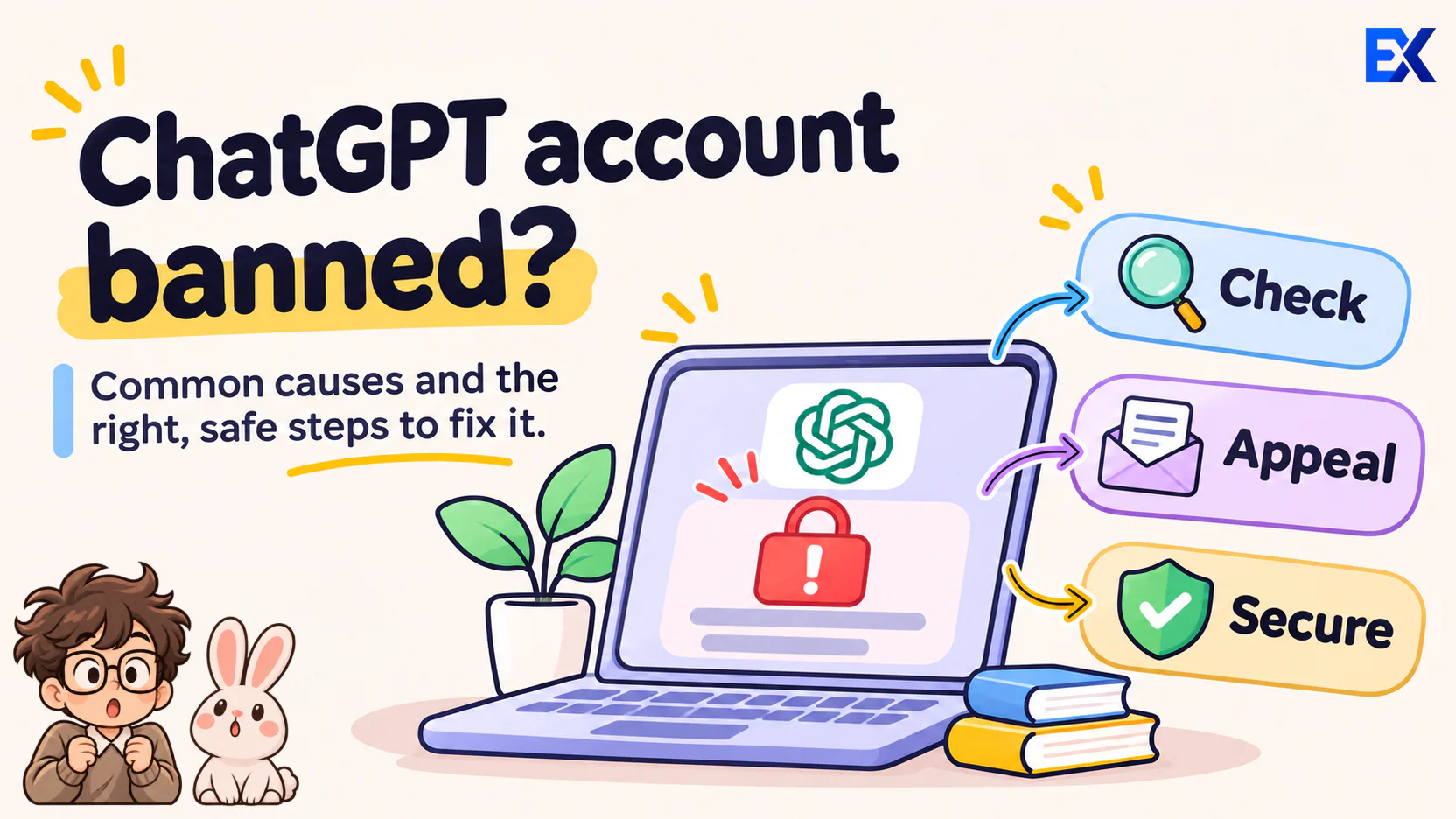
A failed ChatGPT sign-in does not necessarily mean your account was banned. First distinguish a login error, required verification, policy warning, temporary suspension and permanent account closure. The right action depends on the specific OpenAI notice, and restoration is not guaranteed.
1. Five different account situations
Situation
What to check
First action
Login error
Wrong password, mismatched sign-in method, browser problem
Follow official sign-in troubleshooting
Warning
Policy notice while account may still be accessible
Read and address the warning
Security or verification restriction
Suspicious access or pending identity/age verification
Secure account and complete verification
Temporary suspension
Explicit temporary suspension notice
Follow the notice and its appeal route
Account closure
Permanent closure/deactivation notice
Request review through the official route
A warning is not automatically a permanent ban. A device change or VPN use alone does not establish the reason for a restriction.
2. Why OpenAI may restrict accounts
As described by OpenAI's official guidance, possible reasons include violations of usage policies or terms; attempts to circumvent safeguards; spam, phishing or API misuse; prohibited account or API-key sharing; disruption of services; suspected unauthorized access; or failure to complete required identity or age verification.
A warning, temporary safety suspension, security restriction and permanent account closure are different actions requiring different responses.
Illustration of ChatGPT account status categories
Concept illustration, not an actual account screenshot.
3. What to check before appealing
Read the full notice: check the sign-in message, account email and spam folder. Note its wording, timestamp and request ID when available.
Confirm the sign-in method: try the original Google, Apple, Microsoft or email method. Use official login troubleshooting.
Check security: if unauthorized access is suspected, reset the password and rotate exposed API keys.
Identify the action: a warning, verification restriction, temporary suspension and permanent closure should not be handled identically.
Never share a password, one-time code, secret API key or complete card details with purported account-unlocking services.
4. How to appeal correctly
For a warning or permanent closure, start with the appeal link in OpenAI's notification email. If you cannot access the email or received no notice, use the form or support route described in OpenAI's current account guidance. For a temporary suspension, use the appeal link tied to that suspension notice.
Prepare the account email, user or organization ID if available, exact error text, relevant dates, suspected unauthorized activity, reasons you believe the decision was mistaken and security measures already taken. Keep the account accurate and never supply secret credentials.
Illustrative official account-review workflow
Illustrative workflow. Current screens and form options depend on the notice.
Does appealing guarantee reinstatement? No. OpenAI reviews requests case by case.
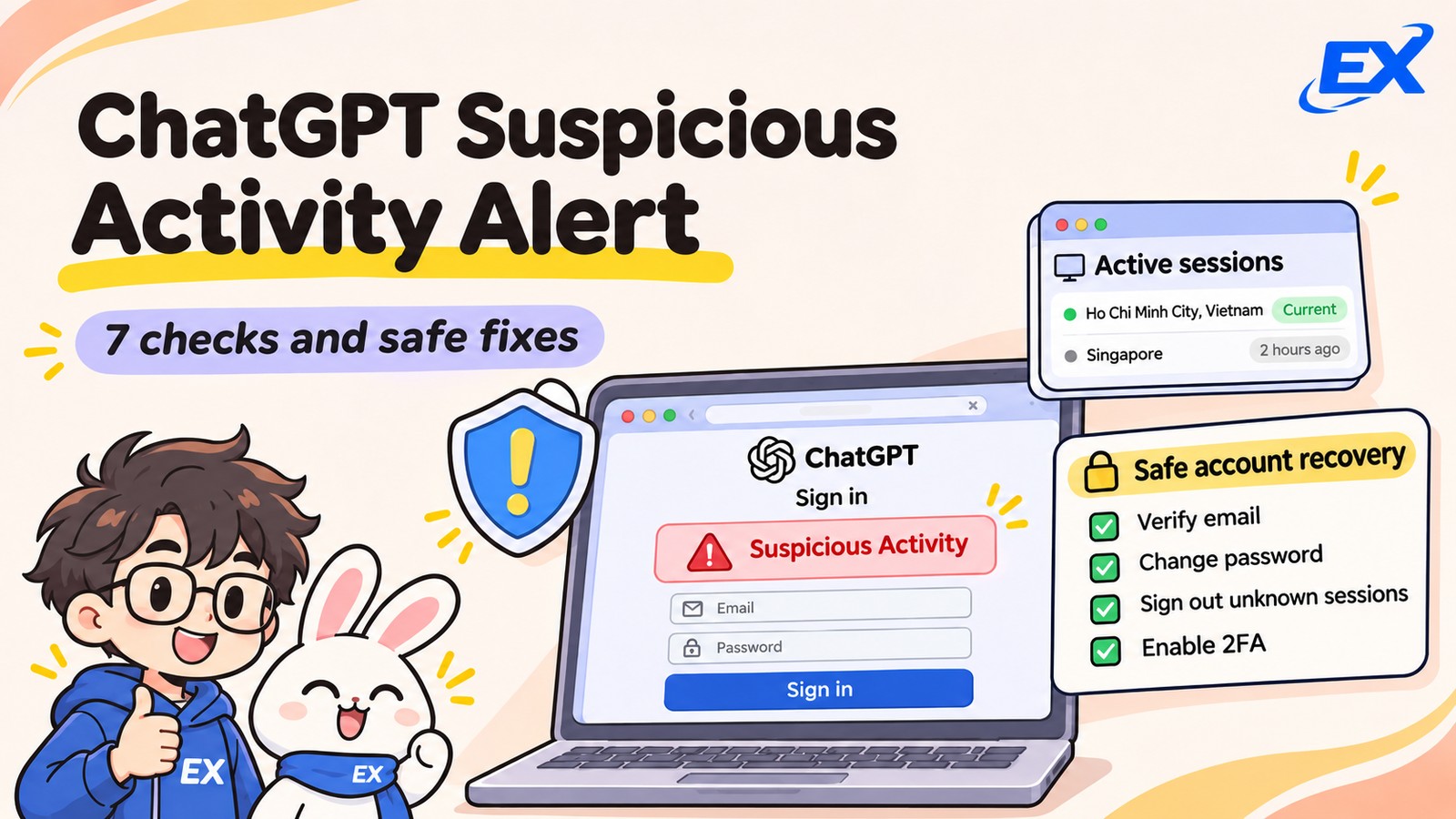
5. If unauthorized access is suspected
Reset credentials using official channels, review available security settings, rotate compromised API keys and contact OpenAI Support. For unfamiliar charges, provide only the limited transaction and card details requested through an official support channel—never a full card number or security code.
6. Reduce future account risk
Follow usage policies, avoid account or key sharing that breaches terms, protect sign-in credentials, enable supported security settings, review unexpected activity, meet mandatory verification deadlines and avoid prohibited automation.
7. Frequently asked questions
Does using multiple devices automatically cause a ban?
There is no sound basis for that blanket conclusion. Check the actual notice and account context.
Does using a VPN automatically cause a ban?
Do not assume so. Diagnose the notice and address any security concerns.
Does creating a replacement account count as an appeal?
No. It does not replace OpenAI's official review process.
Can paid account-unlocking services guarantee reinstatement?
No guarantee is established. Avoid giving passwords, one-time codes, keys or identity data to unverified intermediaries.