Google AI Pro is the sensible starting point for students, freelancers and developers who use AI coding regularly without persistent quota interruptions. Google AI Ultra may be worth the upgrade for intensive daily agent workflows where usage limits repeatedly interrupt paid work. Ultra offers more capacity, not unlimited usage.
This comparison concerns Google's AI subscription entitlements in Antigravity—not reseller delivery arrangements, private/shared Family options or a guarantee of any fixed prompt count. Availability varies by region, model and time.
1. Antigravity Pro vs Ultra comparison
Feature
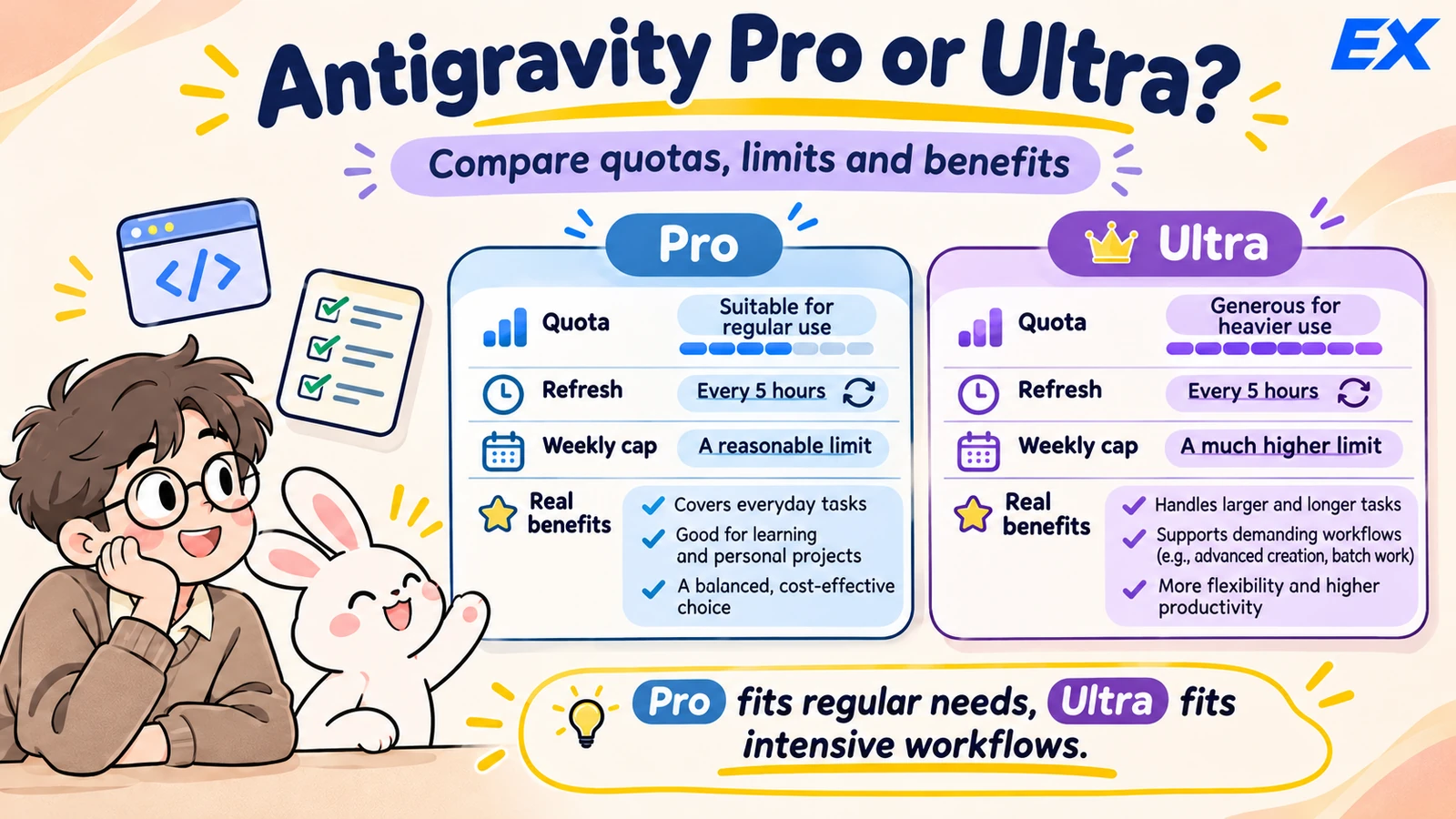
Google AI Pro
Google AI Ultra
Agent quota
High, limited
Highest personal tier, still limited
Baseline refresh
Approximately every five hours, subject to weekly cap
Approximately every five hours, subject to weekly cap
Weekly rate limit
Higher than basic plans
Highest of these tiers
Model access
Current plan eligibility applies
Current Ultra eligibility applies
Best fit
Regular coding, study and mid-sized projects
Intensive agents and sustained workflows
Unlimited agents?
No
No
Google says actual quota consumption relates to the work an agent performs. A complex repository task can cost substantially more than a small request, so a fixed “prompts per day” promise is misleading.
Antigravity Pro versus Ultra comparison
2. Five-hour refresh, weekly caps and overages
For eligible Pro and Ultra users, a five-hour baseline refresh operates alongside a weekly rate limit. Hitting the weekly cap is not the same as waiting for the next five-hour window.
Google documents AI Credit Overages for eligible Pro/Ultra accounts: purchased or qualifying promotional credits may be used beyond baseline quota if the overage setting permits it. This is metered usage, not an unlimited free entitlement. Inspect account settings and charges before enabling it.
Where available, use Antigravity's model usage settings or CLI /usage (alias /quota) to distinguish model-group usage from a general impression that all requests are equivalent.
3. When Pro is enough
Pro is a practical choice for learning frameworks, debugging, refactoring a module, generating tests, iterating on a feature and occasional multi-step agent work. If quota rarely stops you, Ultra may increase spending without improving code quality.
Track interrupted work sessions, not just the number of prompts sent.
4. When Ultra is worth considering
Upgrade only when all three conditions are convincing: you use Antigravity almost every day; weekly or model limits repeatedly interrupt important work; and the value of recovered workflow time exceeds the extra cost.
Large repositories, repeated agent planning, test loops and multiple review passes can create heavier workloads. Ultra is not a guarantee of correct generated code, uninterrupted uptime or automatic production readiness.
Choose Antigravity Pro or Ultra by workload
5. A seven-day decision framework
Record the model and workload for each significant session.
Note quota warnings and whether they involve a five-hour window, weekly cap or model group.
Narrow file scope, split broad tasks into verifiable steps and avoid repeatedly sending irrelevant context.
After seven days, estimate the working time lost to limits and compare it to the upgrade cost.
Upgrade only if capacity, rather than task design or environment failures, is the real bottleneck.
6. Pro vs Ultra is not private vs shared quota
Pro and Ultra name Google AI subscription tiers. Private/shared quota, Family membership and reseller delivery options are separate issues. A “private” listing should not be interpreted as proof that all Google-side limits are independent of a Family group.
Verify the exact plan, term, activation method, Family eligibility, published quota terms, warranty and regional availability. Store options labeled “5x/20x” or “20TB/30TB” should not be interpreted as a guaranteed number of agent prompts without checking the current product detail and Google terms.
No. Google documents quotas and weekly limits for Ultra, and limits can change.
Should I upgrade as soon as Pro runs out?
Not necessarily. Identify whether the cause is the five-hour window, weekly cap or shared model group, then optimize the workload first.
Does Ultra inherently produce better code?
Not by plan name alone. Model availability and usage capacity matter, but outcomes also depend on prompts, source context, tests and code review.
Can AI credits extend my usage?
Google describes optional credit-based overages for eligible Pro/Ultra users. Review eligibility, settings and charges in your own account.
Bottom line: Start with Pro without evidence of sustained quota pressure; consider Ultra only once workload records show a meaningful capacity bottleneck.