Use Gemini 4 Carbon in Antigravity via Google Cloud
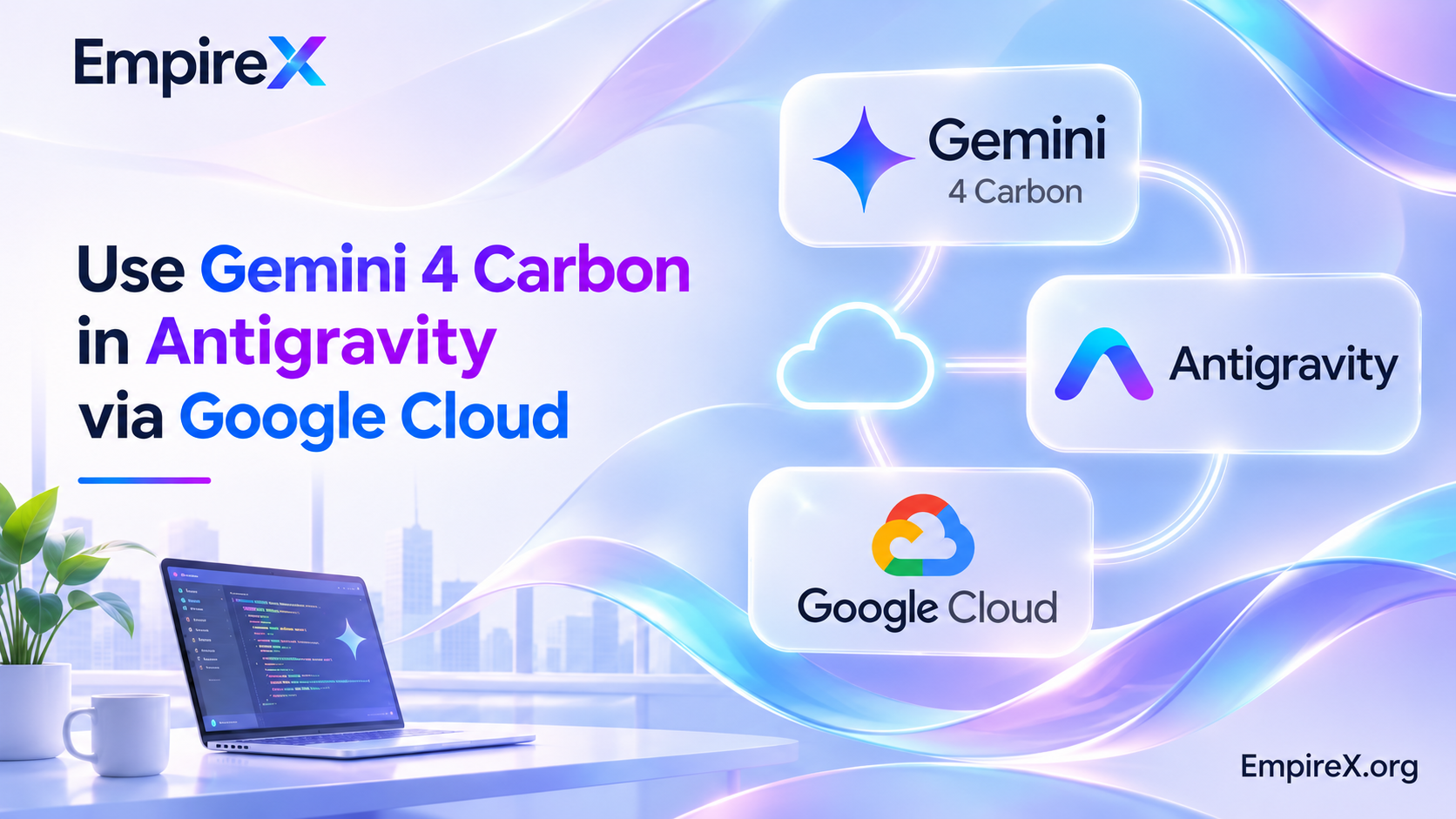
Updated November 15, 2026. Google has introduced Gemini 4 Carbon to its Antigravity ecosystem. Notably, Antigravity v2.31.2, released on November 11, 2026, added the ability to choose Carbon when signing in with Google Cloud credentials. This provides another access path for software developers and organizations running AI agents.
1. What is Gemini 4 Carbon?
What is Gemini 4 Carbon?
Gemini 4 Carbon is Google's AI model designed for demanding long-horizon work requiring deep reasoning and repeated verification, including large-scale software engineering, scientific research, knowledge work, and cybersecurity. Google announced its availability in Antigravity on November 10, 2026, together with /swarm, a multi-agent coordination feature currently in preview.
While Gemini 4 Argon remains suited to many everyday development tasks, Carbon targets problems requiring extensive exploration, architecture analysis, complex debugging, and longer verification loops. Carbon may consume more resources and is not necessarily the best model for every request.
2. How to use Gemini 4 Carbon in Antigravity via Google Cloud
Connect Antigravity with Google Cloud
According to the official changelog, Antigravity v2.31.2 supports Gemini 4 Carbon at Low, Medium, and High reasoning levels when signing in with Google Cloud Application Default Credentials (ADC). If you work through Google Cloud or Gemini Enterprise, first make sure your account, project, and access permissions are configured correctly.
Basic setup steps:
Create or select a Google Cloud project, configure Cloud Billing, and enable the required API as described in Google's Antigravity cloud setup documentation.
Configure Google Cloud authentication, for example through Application Default Credentials. Alternatively, for Pay As You Go in the desktop app, use Use Business Account → Continue with Google Cloud.
For Pay As You Go, choose your billing-enabled Google Cloud project and a supported region. Verify the linked project under Settings → Account.
Update Antigravity to a supported release and open the model selector. If your account, project, and policies permit access, choose Gemini 4 Carbon and the appropriate reasoning level.
Run a small test task, then review model access, quota, usage, and billing before starting a larger workflow.
Important: Linking Google Cloud does not automatically grant Carbon to every project. Availability depends on licensing, authorized model lists, region, and current policies. Organizations using custom model allowlists may need an administrator to enable Carbon explicitly.
3. Key benefits of combining Carbon, Antigravity, and Google Cloud
Key benefits of Gemini 4 Carbon with Google Cloud
Long-horizon engineering work: Useful for understanding multiple files, planning system changes, and reviewing revisions across iterations.
Multi-agent coordination: Antigravity's preview /swarm feature coordinates specialist agents for planning, implementation, and testing. Carbon can serve demanding coordinator or verification roles.
Configurable reasoning levels: Eligible Google Cloud authenticated users can select Low, Medium, or High depending on the task.
Cloud administration: Organizations can manage projects, billing, licensing, and approved models through their cloud configurations.
Remember to monitor quota and costs. Long-running or multi-agent tasks can use significantly more resources than ordinary chat interactions. Human review remains essential for production code and security-sensitive changes.
4. Practical use cases and conclusion
Practical use cases for Gemini 4 Carbon
In Antigravity, Gemini 4 Carbon can support software architecture analysis, cross-module debugging, code refactoring, test planning, cybersecurity review, and complex multi-step research. On larger projects, Carbon can help plan and verify work while other appropriately selected agents perform lighter implementation tasks.
In summary, the important development is not only Gemini 4 Carbon's arrival in Antigravity, but also its availability through Google Cloud authentication as documented in v2.31.2. Before production use, check your actual access rights, limits, and billing configuration.