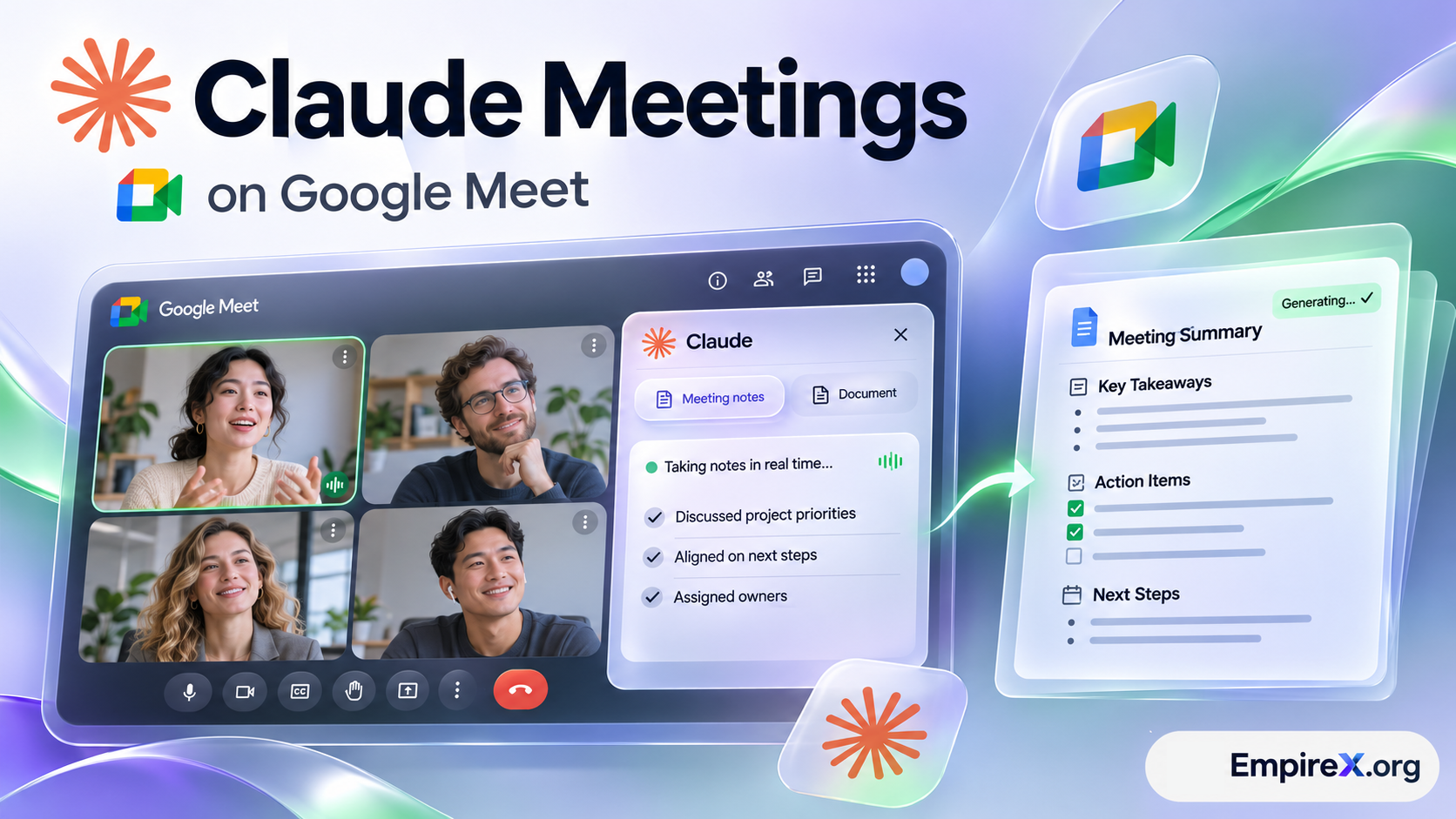
On November 12, 2026, Anthropic introduced Claude Meetings in beta. Rather than only summarizing a call after it ends, Claude can join Google Meet as a visible participant, follow the discussion, answer spoken or chat questions and begin requested work while the team is still talking. Google Meet is the first supported platform, with more video services planned. This is a Claude feature, not Google Meet's built-in Gemini note-taking.
Claude Meetings Google Meet — 1
2. AI meeting notes, decisions and action items
Once invited, Claude can record a transcript, summarize the main discussion, identify decisions and organize follow-up tasks. Participants can focus on the conversation instead of writing everything down. Afterward, the meeting's dedicated page in claude.ai contains the summary, transcript and action items. Eligible colleagues on the invitation can access the material according to organization permissions. AI-generated notes should still be reviewed before becoming official meeting minutes.
Claude Meetings Google Meet — 2
3. Build documents and plans during the call
Claude Meetings can turn conversation into useful work before the meeting is over. Teammates may ask Claude to draft a plan, create a working document or build a whiteboard that everyone can refine live. For example, while planning a customer event, the group could ask for a project brief, timeline, budget outline and assigned responsibilities. Retrieving information through connected tools requires the appropriate user's permission.
Claude Meetings Google Meet — 3
4. From discussion to team workflow
Claude can answer questions in Google Meet chat, check authorized connected resources and turn ideas into actionable steps. Participants can edit the generated document or whiteboard during the same call, reducing the delay between deciding and doing. After the meeting, the team can reopen its Claude meeting page to review decisions and continue the work. Any automated external actions depend on the connected tools and granted permissions.
Claude Meetings Google Meet — 4
5. Getting started, privacy and beta access
Claude Meetings is rolling out to Claude Team and Enterprise plans; it is not generally available on every account. In Claude, open Meetings, connect Google Calendar, select a meeting and choose Add Claude, subject to organization administrator controls. Google Meet is currently supported. Claude announces its presence and, according to Anthropic, stores transcripts, summaries and screen descriptions rather than audio. Participants should consent to transcription; calls involving outside guests have additional controls. During beta, notes and transcripts are free for Team/Enterprise, while in-call documents and other artifacts are free through February 10, 2027. Availability and terms may change.