How to buyCustomer offersContact support
EmpireX logo
Empire X
Empire X logo
Empire X
⌘K
HomeAccountsServicesPromotionsBlog
EmpireX logo
EmpireX

Reputable platform for selling premium accounts and online services.

Email:contact@empirex.org
Hotline : +84 839.8888.23 (Hotline : )
WhatsApp:+84 839.8888.23 (WhatsApp)
DMCA.com Protection Status

Products

  • Accounts
  • Services
  • Tools
  • Free Accounts
  • Track Order

Information

  • About Us
  • How to buy
  • Affiliate Program
  • Terms of Service
  • Privacy Policy
  • Copyright & DMCA
  • Official channels

Payment Methods

International:
BitcoinEthereumUSDT
Tiếng ViệtEnglishالعربيةFrançaisไทยРусскийBahasa IndonesiaPortuguês简体中文

© 2020-2026 EmpireX. All rights reserved.

Technology•2 min read

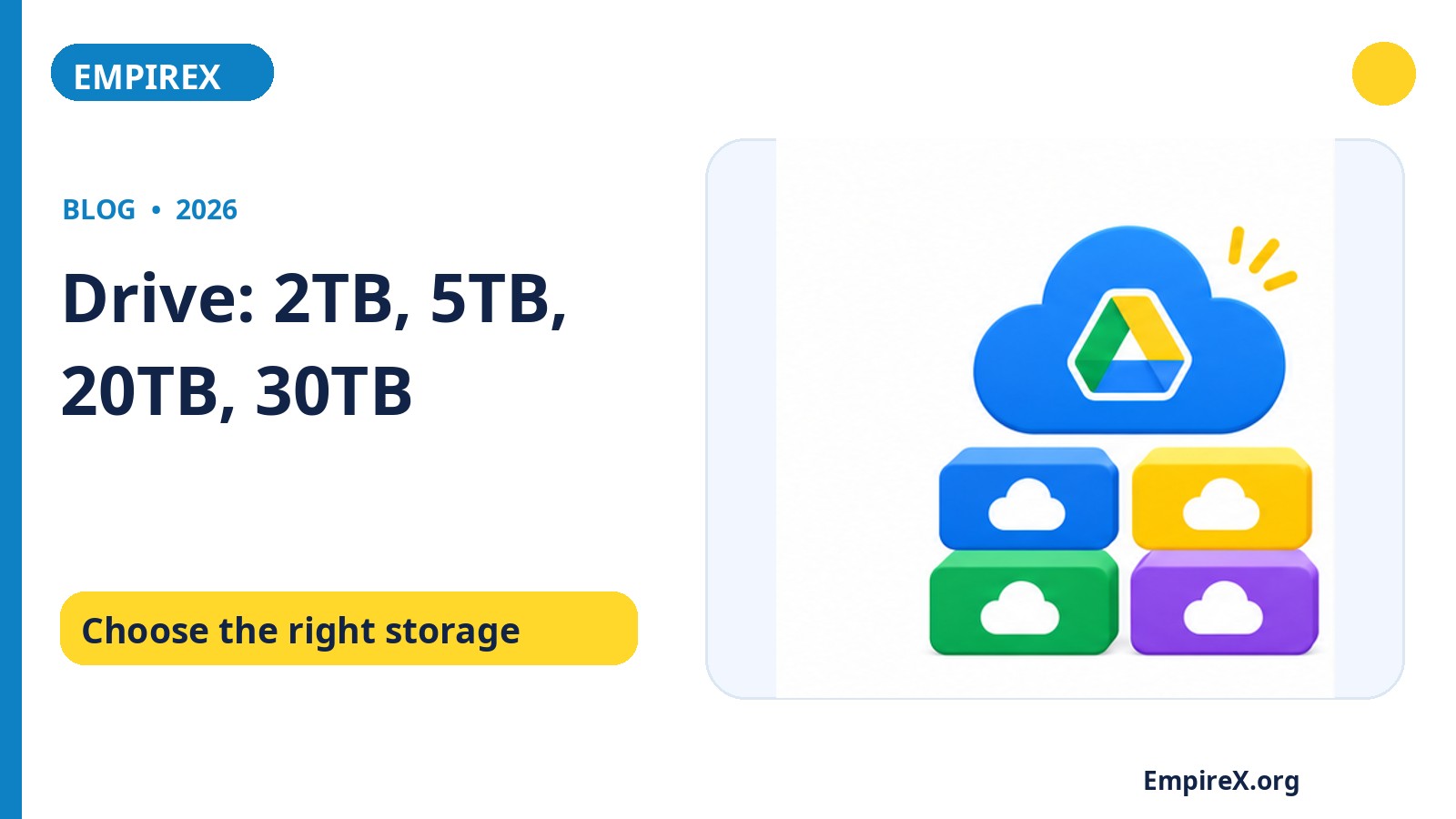
Google Drive 2TB, 5TB, 20TB or 30TB: Which Storage Tier?

Key Takeaways

Choose between Google Drive 2TB, 5TB, 20TB and 30TB for photos, videos, backup, Family sharing and storage growth.

EX
Admin EmpireX
November 21, 2026
Google Drive 2TB, 5TB, 20TB or 30TB: Which Storage Tier?
EX
Reviewed by EmpireX Editorial Team

Written and periodically verified by EmpireX specialists for practical accuracy.

About UsPolicies & ContactAccounts

Table of Contents

Related Products

Google Drive 5TB - Official Personal Upgrade product image at EmpireX
-43%

Google Drive 5TB - Official Personal Upgrade

$5.50$9.62
Google Drive 20TB - Official Personal Upgrade product image at EmpireX
-88%

Google Drive 20TB - Official Personal Upgrade

$12.00$100.00
Google Drive 30TB - Official Personal Upgrade product image at EmpireX
-39%

Google Drive 30TB - Official Personal Upgrade

$19.00$31.00

Related Posts

CapCut Pro or Canva Pro: Which Fits Your Work?
Technology

CapCut Pro or Canva Pro: Which Fits Your Work?

3 min read

CapCut Pro vs Canva Pro for video editing, design, AI, marketing and real workflows—with a practical buying checklist.

EX
Admin EmpireX
Read Now
Google Family: 7 Reasons You Cannot Join or Switch Groups
Technology

Google Family: 7 Reasons You Cannot Join or Switch Groups

2 min read

Cannot join or switch Google Family? Seven causes, country mismatch, invitation issues, the 12-month rule and safe troubleshooting.

EX
Admin EmpireX
Read Now
Introducing EmpireX Affiliate Commissions: How to Share Links and Earn Rewards
Technology

Introducing EmpireX Affiliate Commissions: How to Share Links and Earn Rewards

6 min read

Discover EmpireX Affiliate Marketing: 5% base commissions, personal referral links, click and order reporting, balances, and reward withdrawal guidance.

EX
Admin EmpireX
Read Now
Important Notice About Quota Usage In Antigravity Ultra
Technology

Important Notice About Quota Usage In Antigravity Ultra

9 min read

Important Notice About Quota Usage In Antigravity Ultra

EX
Admin EmpireX
Read Now
EmpireX logo
EmpireX

Reputable platform for selling premium accounts and online services.

Email:contact@empirex.org
Hotline : +84 839.8888.23 (Hotline : )
WhatsApp:+84 839.8888.23 (WhatsApp)
DMCA.com Protection Status

Products

  • Accounts
  • Services
  • Tools
  • Free Accounts
  • Track Order

Information

  • About Us
  • How to buy
  • Affiliate Program
  • Terms of Service
  • Privacy Policy
  • Copyright & DMCA
  • Official channels

Payment Methods

International:
BitcoinEthereumUSDT
Tiếng ViệtEnglishالعربيةFrançaisไทยРусскийBahasa IndonesiaPortuguês简体中文

© 2020-2026 EmpireX. All rights reserved.

1. Which storage size should you choose?

2TB is often a reasonable starting point once your files, photos and videos exceed free storage. 5TB can help with many backups or a larger media collection. 20TB or 30TB should be considered only when you have verified, substantial storage needs. The largest storage number does not automatically unlock the strongest AI model.

EmpireX editorial illustration 1

2. How Google storage is counted

Google storage is shared across Drive, Gmail and Google Photos subject to product rules. Use Storage Manager to identify large files, mail, deleted items and monthly growth. Some shared items and backups may count differently according to their service; do not estimate only from the number of files.

Storage comparison

3. Choose capacity by workload

For office documents and phone photos, estimate current use plus twelve months of growth before picking 2TB. Video, RAW files or multiple computer backups may justify 5TB. Consider 20TB or 30TB for truly large archives, comparing cost per TB with Workspace, NAS and other backup approaches. Maintain another copy of irreplaceable data.

EmpireX editorial illustration 2

4. Family sharing and AI subscription differences

Google One manages storage and may allow sharing certain benefits under Family rules. Google AI Pro and Ultra add separate model, credit and usage entitlements; plan names and capacities depend on region and date. A 20TB label does not automatically mean Ultra 20x, and 30TB alone cannot prove the highest AI quota. Check the exact subscription.

Choosing storage

5. Before upgrading: checks and FAQs

Inspect Google Storage, remove unnecessary data, calculate recent growth and review Family eligibility before upgrading. What if the subscription ends? Exceeding your allowance can affect Google services; read the current retention policies. See the Family guide. Sources: https://one.google.com/about/ and https://support.google.com/googleone/.

EmpireX editorial illustration 3