How to buyCustomer offersContact support
EmpireX logo
Empire X
Empire X logo
Empire X
⌘K
HomeAccountsServicesPromotionsBlog
EmpireX logo
EmpireX

Reputable platform for selling premium accounts and online services.

Email:contact@empirex.org
Hotline : +84 839.8888.23 (Hotline : )
WhatsApp:+84 839.8888.23 (WhatsApp)
DMCA.com Protection Status

Products

  • Accounts
  • Services
  • Tools
  • Free Accounts
  • Track Order

Information

  • About Us
  • How to buy
  • Affiliate Program
  • Terms of Service
  • Privacy Policy
  • Copyright & DMCA
  • Official channels

Payment Methods

International:
BitcoinEthereumUSDT
Tiếng ViệtEnglishالعربيةFrançaisไทยРусскийBahasa IndonesiaPortuguês简体中文

© 2020-2026 EmpireX. All rights reserved.

Technology•3 min read

CapCut Pro or Canva Pro: Which Fits Your Work?

Key Takeaways

CapCut Pro vs Canva Pro for video editing, design, AI, marketing and real workflows—with a practical buying checklist.

EX
Admin EmpireX
November 21, 2026
CapCut Pro or Canva Pro: Which Fits Your Work?
Topics:#AI Video
EX
Reviewed by EmpireX Editorial Team

Written and periodically verified by EmpireX specialists for practical accuracy.

About UsPolicies & ContactAccounts

Table of Contents

Related Products

CapCut Pro - Ready Account product image at EmpireX
-71%

CapCut Pro - Ready Account

$3.50$12.00
Canva Pro - Official Personal Upgrade product image at EmpireX
-86%

Canva Pro - Official Personal Upgrade

$8.00$56.89

Related Posts

Google Drive 2TB, 5TB, 20TB or 30TB: Which Storage Tier?
Technology

Google Drive 2TB, 5TB, 20TB or 30TB: Which Storage Tier?

2 min read

Choose between Google Drive 2TB, 5TB, 20TB and 30TB for photos, videos, backup, Family sharing and storage growth.

EX
Admin EmpireX
Read Now
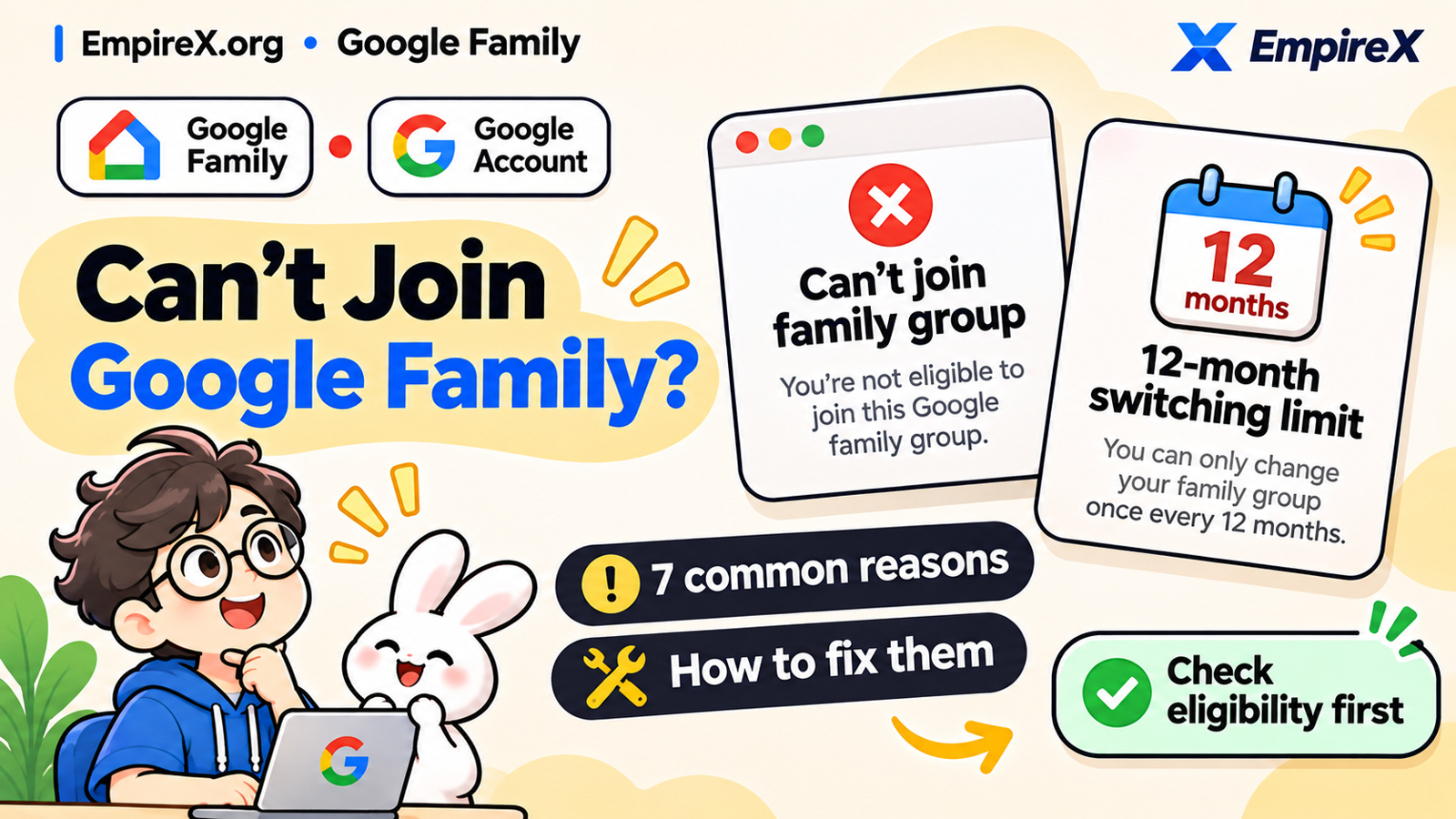
Google Family: 7 Reasons You Cannot Join or Switch Groups
Technology

Google Family: 7 Reasons You Cannot Join or Switch Groups

2 min read

Cannot join or switch Google Family? Seven causes, country mismatch, invitation issues, the 12-month rule and safe troubleshooting.

EX
Admin EmpireX
Read Now
Introducing EmpireX Affiliate Commissions: How to Share Links and Earn Rewards
Technology

Introducing EmpireX Affiliate Commissions: How to Share Links and Earn Rewards

6 min read

Discover EmpireX Affiliate Marketing: 5% base commissions, personal referral links, click and order reporting, balances, and reward withdrawal guidance.

EX
Admin EmpireX
Read Now
Important Notice About Quota Usage In Antigravity Ultra
Technology

Important Notice About Quota Usage In Antigravity Ultra

9 min read

Important Notice About Quota Usage In Antigravity Ultra

EX
Admin EmpireX
Read Now
EmpireX logo
EmpireX

Reputable platform for selling premium accounts and online services.

Email:contact@empirex.org
Hotline : +84 839.8888.23 (Hotline : )
WhatsApp:+84 839.8888.23 (WhatsApp)
DMCA.com Protection Status

Products

  • Accounts
  • Services
  • Tools
  • Free Accounts
  • Track Order

Information

  • About Us
  • How to buy
  • Affiliate Program
  • Terms of Service
  • Privacy Policy
  • Copyright & DMCA
  • Official channels

Payment Methods

International:
BitcoinEthereumUSDT
Tiếng ViệtEnglishالعربيةFrançaisไทยРусскийBahasa IndonesiaPortuguês简体中文

© 2020-2026 EmpireX. All rights reserved.

1. CapCut Pro or Canva Pro: choose by your main deliverables

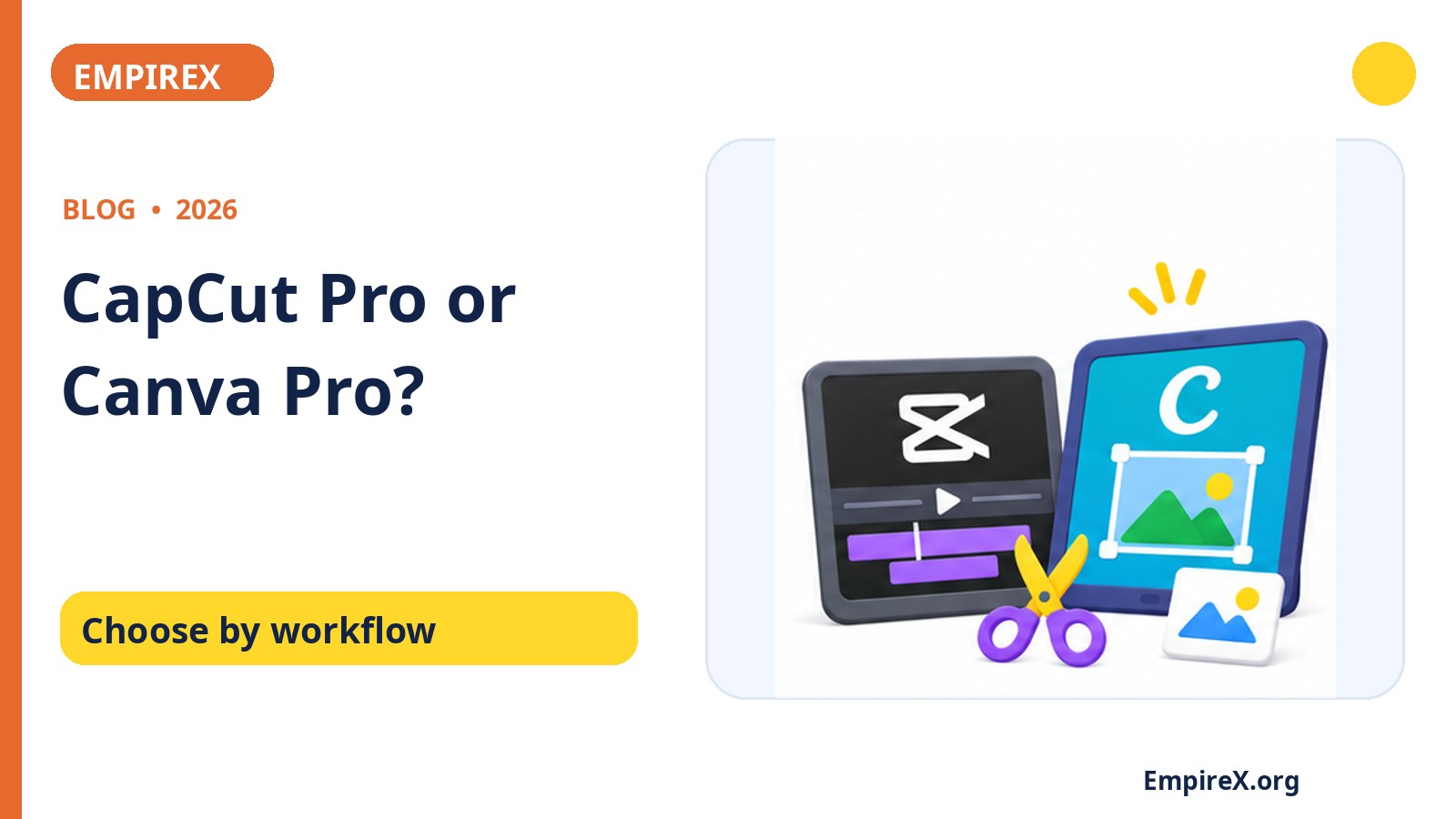
Choose CapCut Pro if editing video is your primary job: TikTok, Reels, Shorts, product clips and ads that require timelines, cuts, music, captions and effects. Choose Canva Pro if you mainly produce static designs and brand assets: social posts, banners, thumbnails, slides, catalogs and documents. Both offer video and AI tools, but they are not complete substitutes. Review your ten most recent deliverables and prioritize the tool that fits most of them, rather than a single advertised AI feature.

CapCut Pro or Canva Pro: choose by your main deliverables

2. Compare features, design workflows and AI limits

Video editing: CapCut is particularly suited to timeline work, pacing, audio mixing, transitions and captions for vertical videos. Multi-format design: Canva helps turn one concept into a poster, social post, slide, banner and consistent template. Brand management: Canva's Brand Kit and templates help solo creators maintain visual consistency. AI: both include AI tools, but access, usage allowances and credits depend on the plan, device, version and region. Pro does not automatically mean unlimited AI. Exports and licensing: check templates, stock assets, watermarks and commercial-use licenses for the specific task.

Compare features, design workflows and AI limits

3. Which tool suits your job?

Short-form video creators: prioritize CapCut Pro when you edit and publish video frequently. Online stores: Canva Pro is often useful for consistent product photos, catalogs, banners and promotional posts; CapCut remains valuable for video-heavy stores. Marketers and freelancers: track a week's output across video, images, slides and documents, then choose the tool that saves the most time. Teachers and office workers: Canva may be more appropriate for presentations and visual documents. These recommendations describe typical workflows, not an absolute ranking.

Which tool suits your job?

4. When does using both make sense?

Use both when you regularly follow a Canva design → CapCut video editing workflow: prepare branding, thumbnails, product graphics and title layouts in Canva, then cut footage, add captions and sound, and export through CapCut. If you make only a few simple videos per month or mainly reuse templates, test free versions first. Run one actual project through each tool before upgrading, comparing completion time, final quality, cost and the friction of switching apps.

When does using both make sense?

5. Purchase checklist and frequently asked questions

Before paying, confirm the exact Pro tier, account or upgrade type, duration, supported devices, AI limits, exports, commercial licenses, warranty and activation method. Features and prices vary by platform and region; check the terms shown at purchase. Can CapCut Pro replace Canva Pro? It may cover video work, not every branding task. Can Canva Pro edit videos? Yes, though complex post-production may be better tested in CapCut. Do I need both? Only if both workflows are genuinely frequent. See CapCut Pro and Canva Pro. Official sources: CapCut and Canva.

Purchase checklist and frequently asked questions