
Google One Sharing & Benefits: A Guide to Joining Google Family
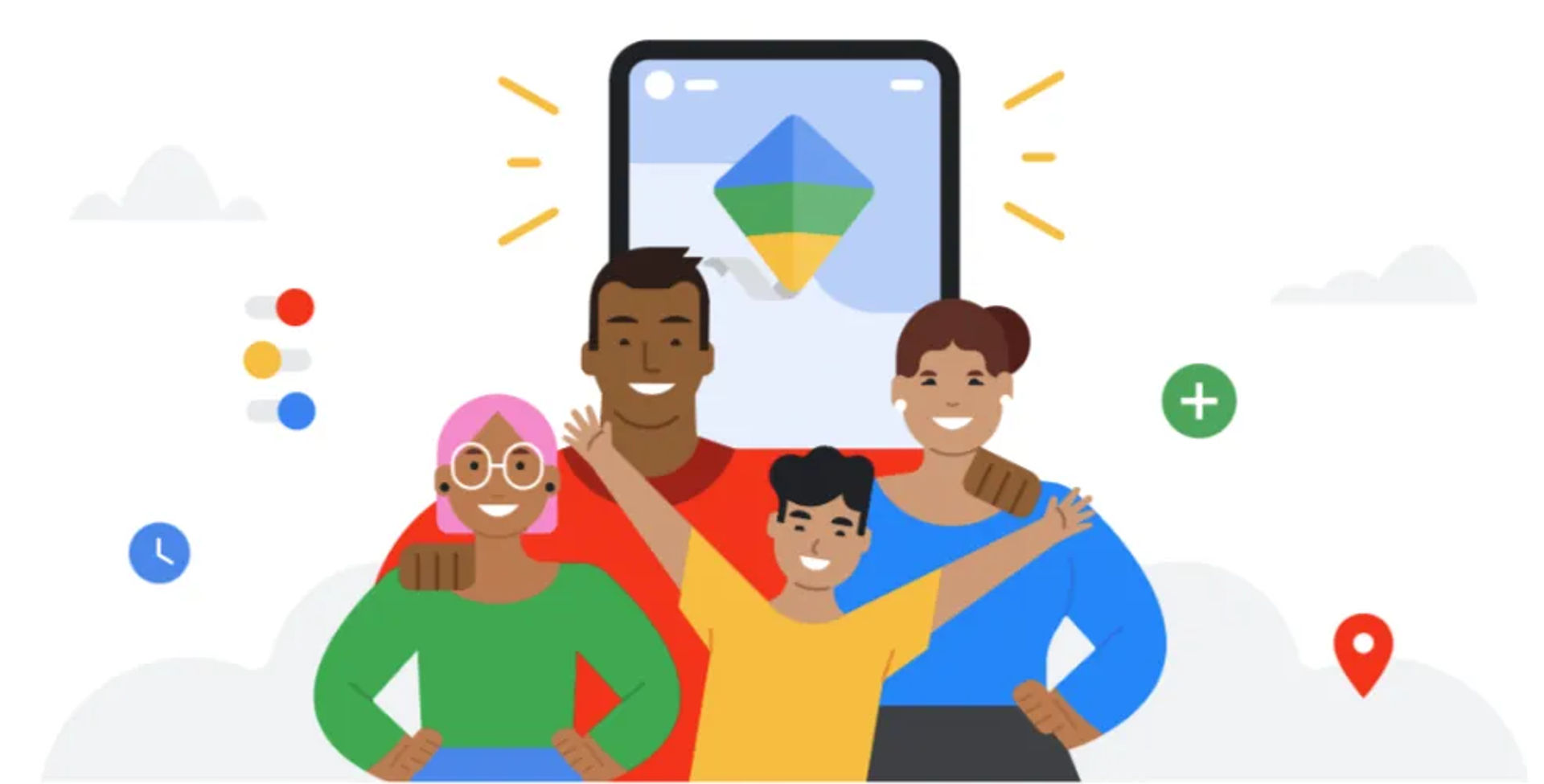
Google One Sharing & Benefits: A Guide to Joining Google Family
Have you received an invitation to join a Google Family group to share exciting benefits like Google One storage but don't know where to start? Don't worry! This article will provide you with detailed, step-by-step instructions to become a member quickly and easily.
✅ Steps to Join a Google Family Group
The joining process is very simple and is primarily handled via email. Follow these 3 steps:
📧 Step 1: Check and Accept the Invitation via Email
First, you need to check the inbox of the Google account you wish to use to join the group.
- 👉 Find the email: The family manager (group owner) has sent you an email with a subject line similar to: "You've been invited to join a family group on Google".
- 👉 Accept the invitation: Open this email and click the
Join Familybutton.
💡 Step 2: Log In and Confirm Participation
After clicking the link in the email, you will be redirected to a Google confirmation page.
- ✔️ Log in to your account: If prompted, log in to the exact Google account you want to use for the group.
- ✔️ Confirm joining: Google will display information about the group you are about to join and the services being shared (e.g., a 100GB Google One plan). Read carefully and click the
JoinorAccept Invitationbutton to complete the process.
📌 Important Note: Each Google account can only belong to one family group at a time. If you are already a member of another group, you must leave that group before joining a new one.
🔎 Step 3: Check Group Information After Successfully Joining
To ensure that you are a member of the group, you can access the Google Family management page.
- 🔹 Access the link: https://families.google.com
- Here, you will see all the important information:
- Who the family manager (group owner) is.
- A list of current family members.
- The services currently being shared (Google One, YouTube Premium, Google Calendar, etc.).
❗️ Important Things to Note When Joining Google Family
Before and after joining, you should understand a few Google rules for the best experience:
- Age limit: You must be 13 years or older (minimum age requirements may vary by country).
- Member limit: A family group can have a maximum of 6 people (including 1 manager and 5 members).
- Manager's rights: The group owner has full management rights, including the ability to remove you from the group at any time without prior notice.
- Switching groups: You can only switch between family groups once every 12 months.
🚪 How to Leave a Google Family Group (When Necessary)
If you no longer need to share or want to join a different group, you can proactively leave by following these steps:
- Access the family management page at: https://families.google.com/families
- Click the menu icon (☰) in the top left corner.
- Select the
Leave family groupoption. - Confirm your decision.
❓ Frequently Asked Questions (FAQ)
-
Q: Does it cost money to join a Google family group?
-
A: No. Joining is completely free. Only the family manager pays for the shared service plans (such as Google One or YouTube Premium).
-
Q: Will my personal data be shared with other members?
-
A: No. Sharing only applies to common paid services. All files, photos, emails, and personal data in your Google account remain completely private.
-
Q: How much storage will I receive from the shared Google One plan?
-
A: Storage from the Google One plan is shared among all group members. There is no specific allocation for each person. The system will record how much each person uses until the total shared storage is full.
相关商品推荐

延伸阅读
How to Get 1 Month Super Duolingo Free Trial (2026 Guide)
Get 1 month Super Duolingo free with the official free trial and unlock unlimited hearts, no ads, and premium learning features. Follow this quick guide to activate the trial and avoid being charged.

Viettel Offers Free Reward Points for Tet 2026 – How to Receive Lucky Money on TV360
To celebrate Tet 2026, Viettel is offering free reward points (New Year lucky money) to users via the TV360 app. With just a few simple steps—logging in and tapping to receive—you can instantly get reward points to use across the Viettel ecosystem.

Vinaphone Offers 2026MB Free Mobile Data for the New Year – How to Register
Vinaphone has launched a New Year promotion offering 2026MB of free mobile data for eligible subscribers. Users can manually register via SMS or through the MyVNPT app or website to use the free data within the specified validity period.
How to Watch Football on Mobile Using MonPlayer (Android & iOS)
Step-by-step guide on how to watch live football matches on Android and iOS free. Lightweight IPTV player, easy to use, supports M3U and HLS streams.