Đ
Đỗ Minh T***Verified purchase
7/18/2026•Order #EMPIREX••••002
dùng tốt, 5 sao
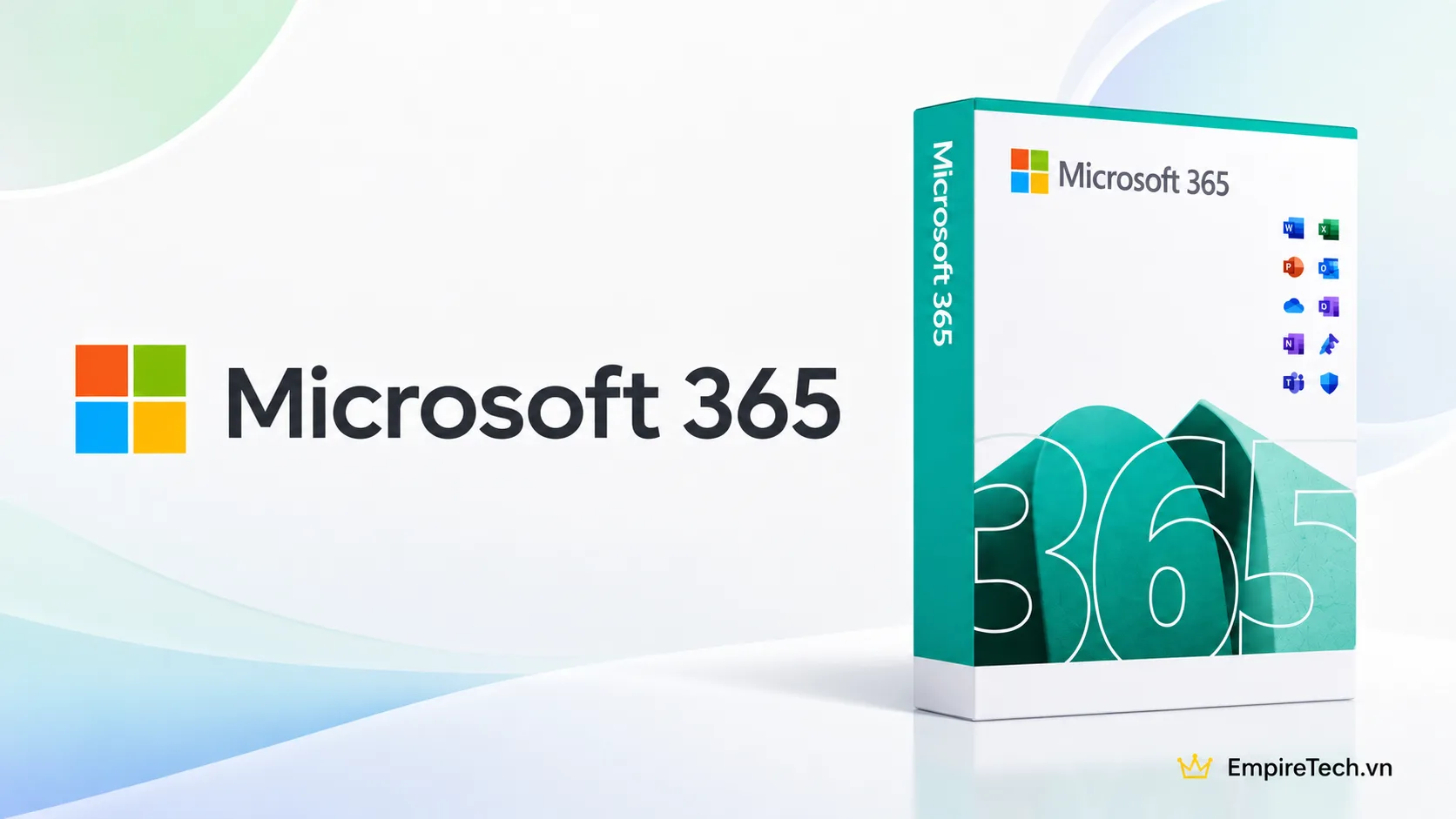
SKU: MICROSOFT-1Y
$7.96
$49.06
OFF 84%Delivery
Instant email delivery
Processing Time
Instant - 2h
Warranty
1 Year
Important: Check any existing Microsoft family membership before purchasing. Do not voluntarily leave the group while the subscription is active. Access depends on an active Family subscription and Microsoft eligibility rules.
Microsoft 365 at EmpireX provides eligible Family member access to Word, Excel, PowerPoint, Outlook, OneNote and 1TB of private OneDrive storage for 12 months on a personal Microsoft account. It suits students, office workers and users who need licensed productivity software across supported devices.
AI clarification: Advanced Copilot entitlements assigned to a Family subscription owner are not automatically shared with members. This is not a Copilot Pro plan.
Estimated processing time: 15–30 minutes during business hours.
| Item | Details |
|---|---|
| Subscription | Microsoft 365 Family – member access |
| OneDrive | 1TB private storage |
| Apps | Word, Excel, PowerPoint, Outlook, OneNote |
| Platforms | Compatible Windows, Mac and mobile devices |
| Concurrent Office sign-ins | Up to 5 devices |
| Activation | Microsoft 365 Family sharing invitation |
| Owner's advanced Copilot features | Not automatically included |
Official reference: Microsoft Support.
Period: Based on the purchased plan and order confirmation.
Eligible service issues: EmpireX will investigate and help restore access or provide equivalent benefits. If restoration is not possible, a prorated refund for unused subscription time may apply under the store policy.
Exclusions: Voluntary departure from the Family group, account changes causing eligibility conflicts or violations of Microsoft terms may affect coverage. Keep backups of important files.
Twelve months of eligible Microsoft 365 Family member benefits, including Office apps and a private 1TB OneDrive allocation.
Microsoft 365 is the current branding for many Microsoft productivity subscriptions; Office 365 is an older name still frequently searched.
No. Only provide the email address required for a Family invitation.
Yes, on supported macOS versions and compatible devices.
Eligible members can stay signed in to Microsoft 365 apps on up to five devices simultaneously.
Not automatically. OneDrive content remains private unless you explicitly share it.
No. Advanced Copilot benefits held by the subscription owner are not automatically shared.
Storage and syncing entitlements may be reduced or restricted. Renew or download important data and follow Microsoft notices.
Check current membership and eligibility before accepting a new invitation.
Accept the Microsoft 365 Family invitation using your Microsoft account and verify the entitlements in your account settings.
dùng tốt, 5 sao
dùng tốt ok nha
Fast service and no issues at all. Would use again